AI & Artwork Statement
A clear, human explanation of how hand-drawn artwork, historical source images, and carefully prepared AI-generated assets are labeled and offered across the Art Realms shops.
Read the Statement by Art Realms
Nova Terra Journal
Practical guides for turning editable geography into finished worlds. Explore fantasy cartography, novel travel, living setting design, regional atlases, real-world mapping, and print-ready presentation without flattening the project behind the map.
A clear, human explanation of how hand-drawn artwork, historical source images, and carefully prepared AI-generated assets are labeled and offered across the Art Realms shops.
Read the Statement.webp)
Start with one master map, zoom into a region, save it as a separate editable project, restyle it at full resolution, and repeat until the world becomes an atlas.
Read the Regional Atlas Guide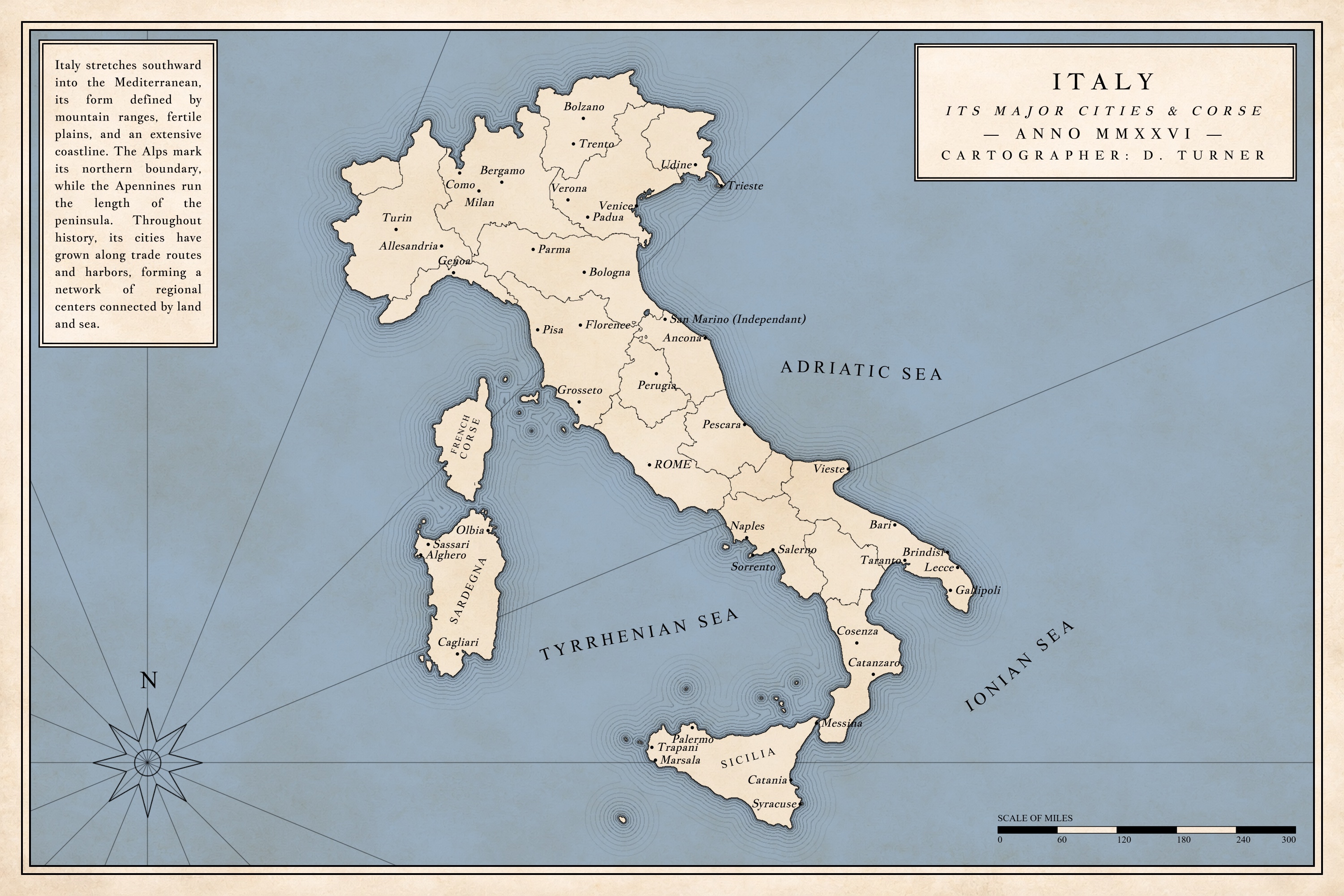
Use imported coastlines, real-world scale, batch labels, reference overlays, and antique atlas styling to turn accurate geography into an authored map.
Read the Real-World Mapping Guide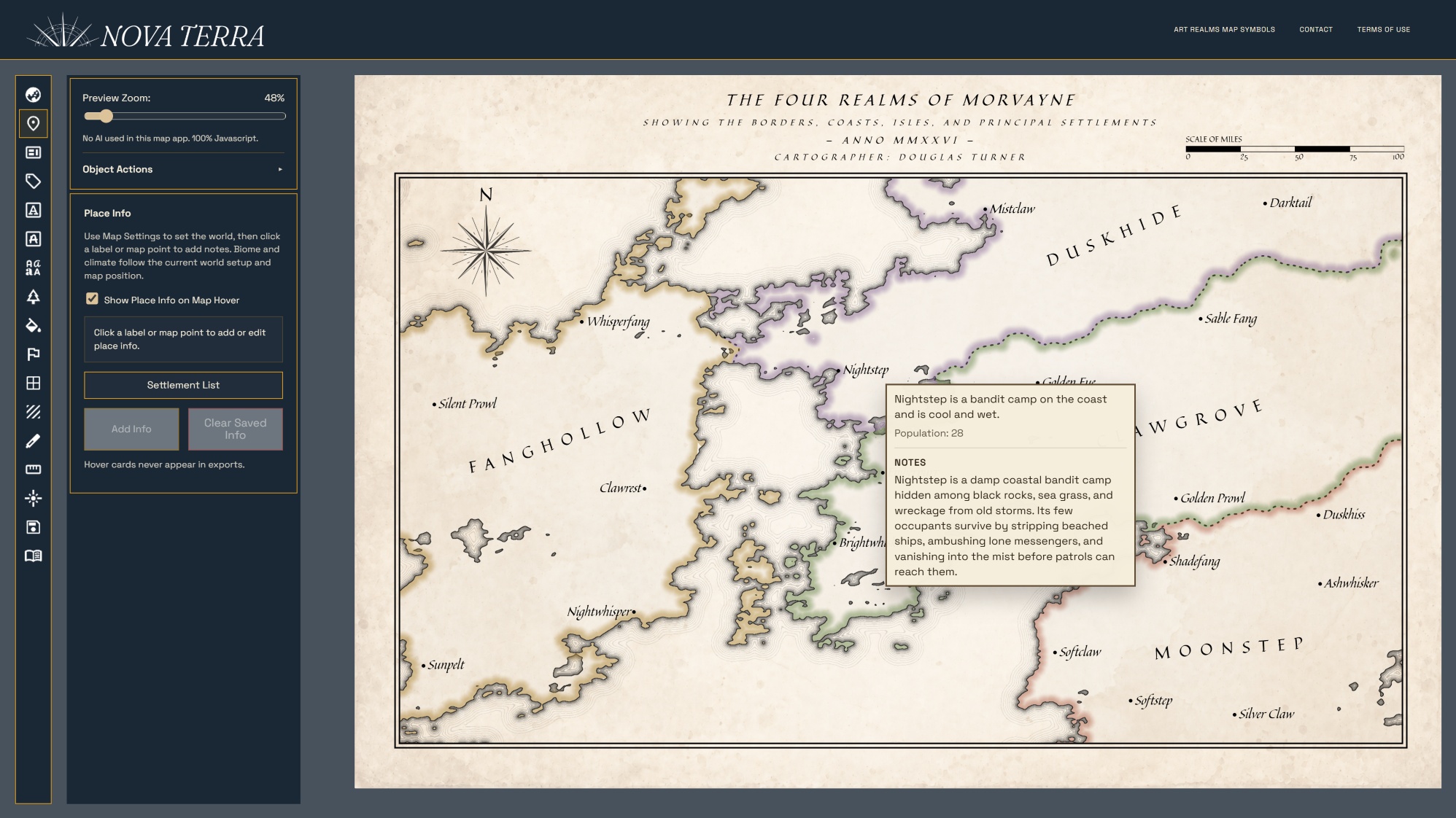
Connect geography to population, climate, factions, hazards, rumors, and settlement notes so every location becomes part of a living setting.
Read the Worldbuilding Guide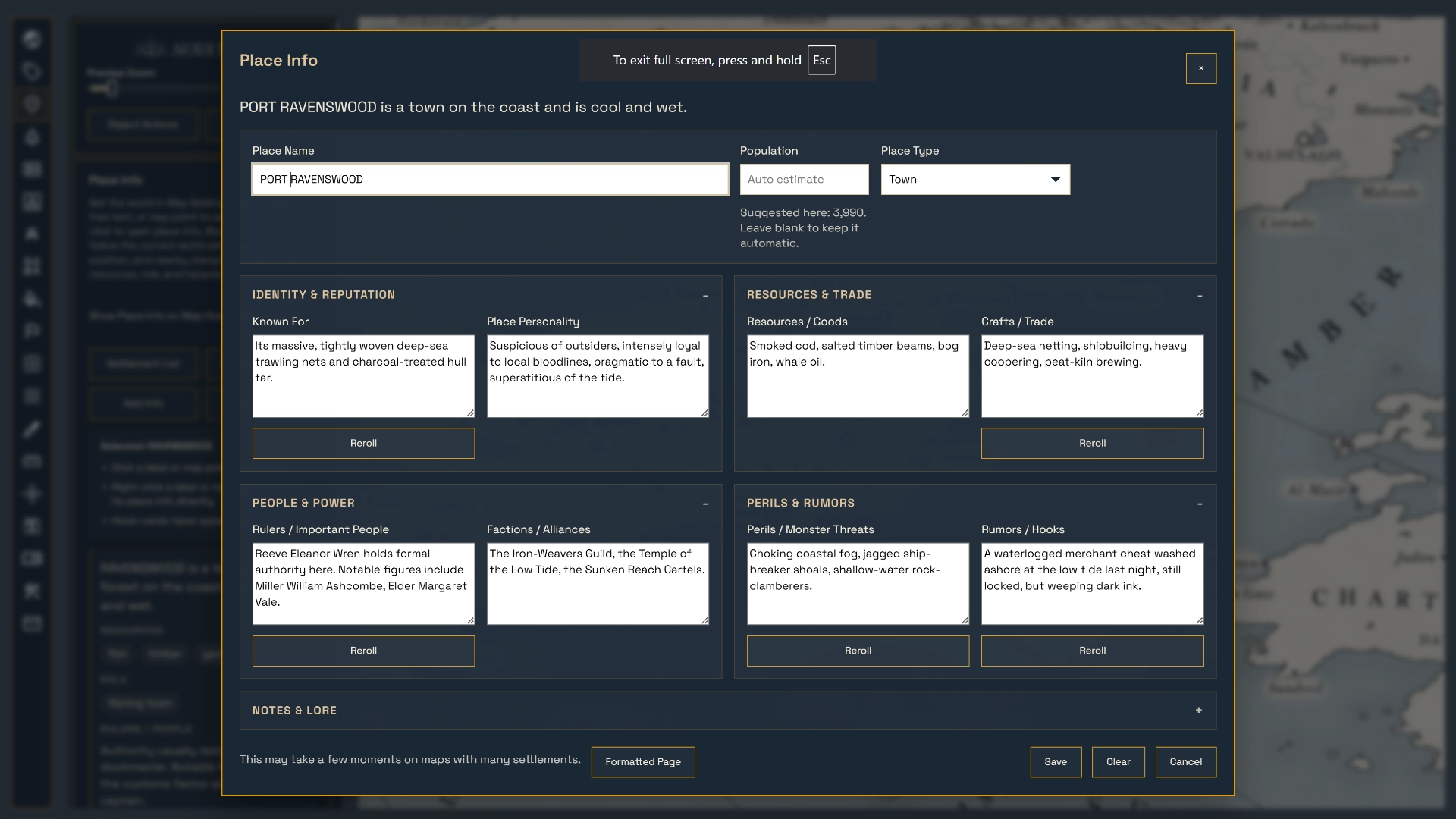
Keep story geography editable, measure winding routes, calculate realistic travel days, and prepare book-ready maps without rebuilding from scratch.
Read the Novel Mapping Guide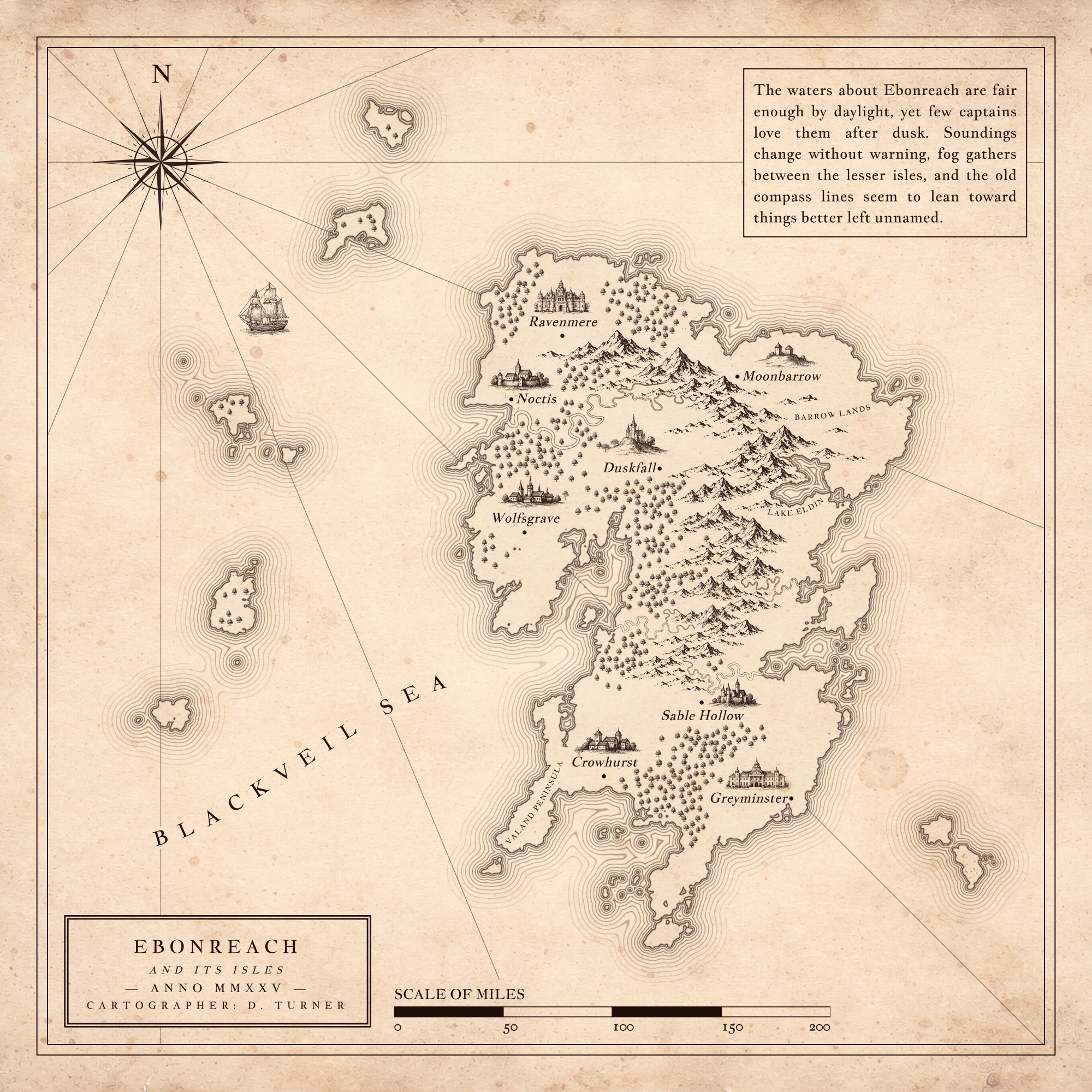
Shape coastlines, add routes and settlements, place hand-drawn symbols, and keep the entire fantasy world editable as the story changes.
Read the Cartography Guide